Improving the Boba Tea Ordering Experience
To make the kiosk-based ordering experience for customers more comfortable
00
problem
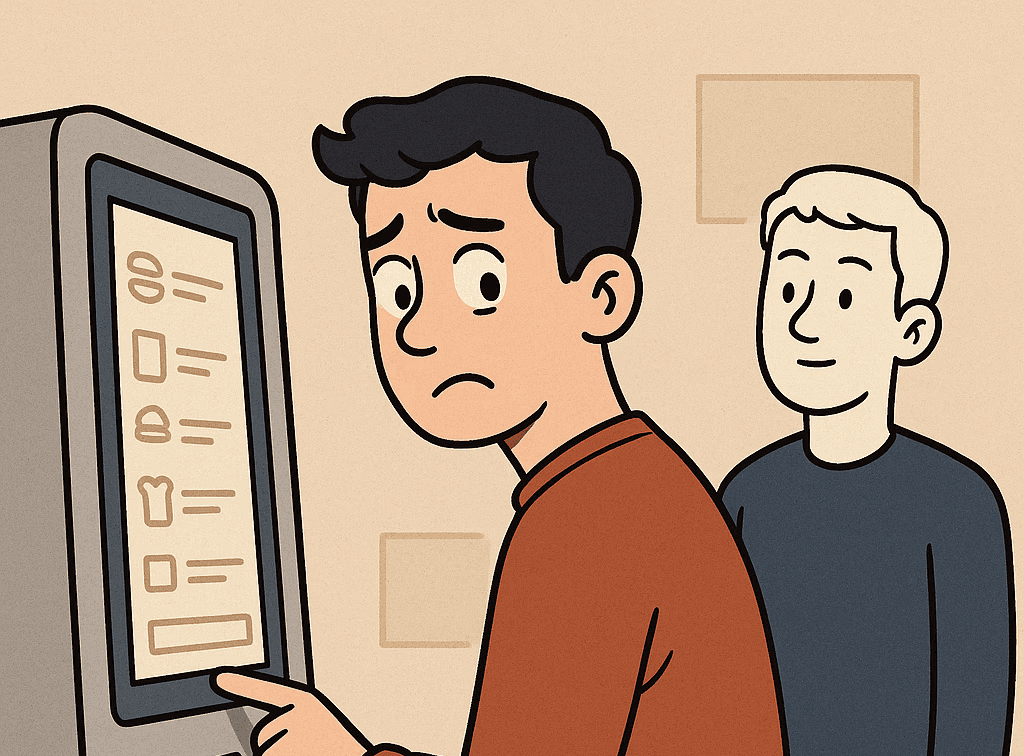
With the increasing use of self-service kiosks in public spaces, concerns around user privacy and data security have become more prominent. Users often interact with kiosks in crowded environments, which can lead to unintentional exposure of sensitive information on the screen. Many also feel anxious or self-conscious knowing others might see their screens
solution
Our team collected all the necessary data and began brainstorming ideas to help users feel more secure and less anxious while placing their orders. Based on this we came up with a feature named Face Lock. This feature uses facial detection to recognize when a user is actively engaged with the kiosk. If the user turns away or steps aside potentially exposing the screen to others, the system automatically locks the display and activates a short timer before refreshing the session.
Our design goal is to make the kiosk-based ordering experience for customers more comfortable by focusing on their privacy while ordering their drink. Our team aims to provide comfort by reducing privacy concerns and social pressure from the public atmosphere during the ordering process.
You can also check out the full design documentation:
https://drive.google.com/file/d/1LAvb-m-V3a0OUYH_MZEhUnMIH-rODVjR/view?usp=sharing
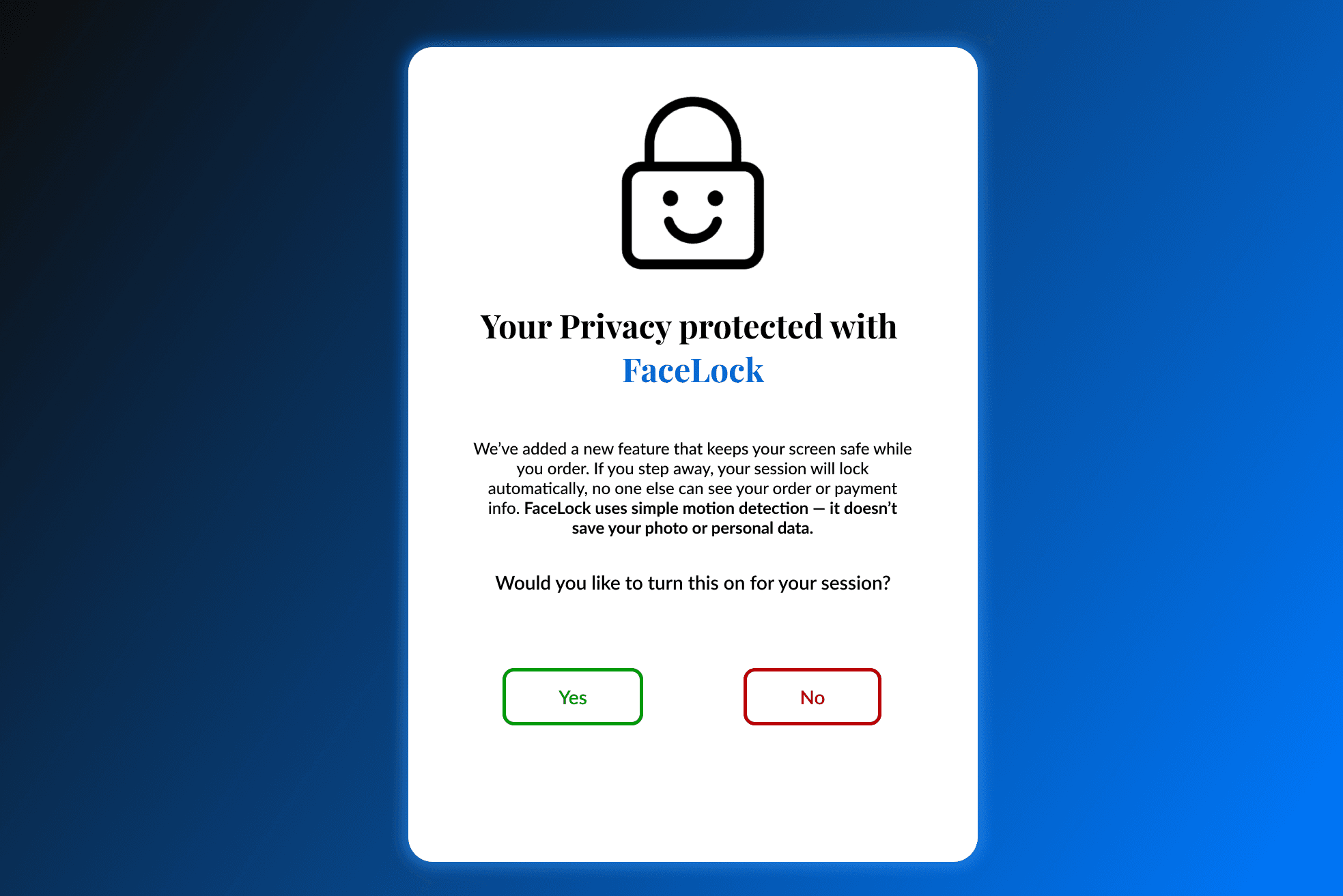
The team decided to focus on informing the user about the new functionality by having the kiosk explain new privacy interventions as they happen. Our initial design focused on the following key functionality for the user:
ensuring users of their control over their privacy by allowing them to choose whether to enable new privacy features
emphasizing transparency by ensuring that no personal or facial data would be stored at any point.
Additionally, a 20-second timer was incorporated to automatically activate the feature when the user’s face moves away from the screen. This feature was named “FaceLock.”
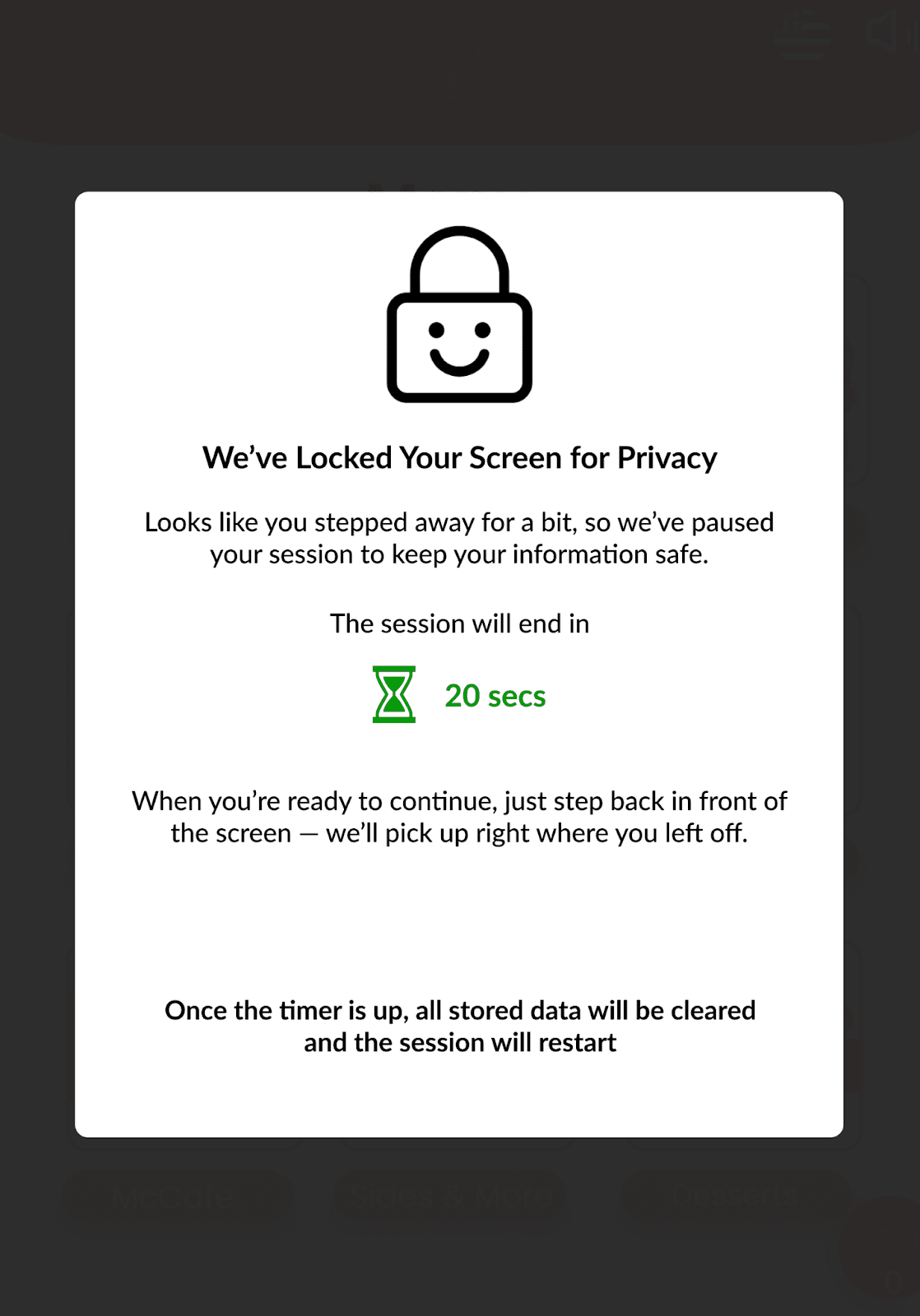
When the user’s face moves away from the screen, the screen is replaced with a large privacy pop-up.
This pop-up hides personal information of the user until they come back to the kiosk.
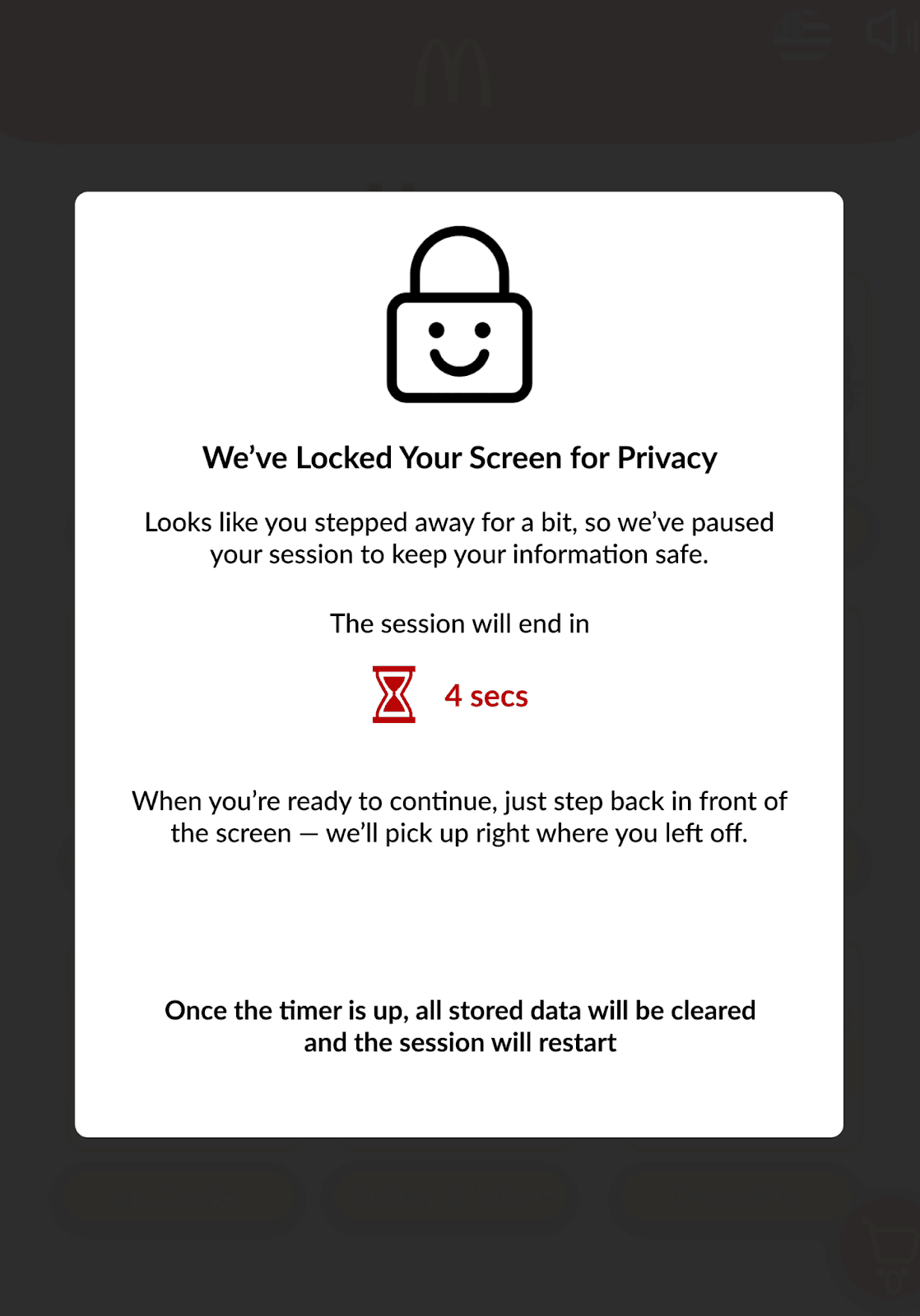
When the timer is about to end, the icon turns red to indicate a sense of urgency to the user.
This design focuses on enhancing physical privacy for users with the aim of minimizing the anxiety associated with social visibility, such as concerns that others may view their personal information, order details, or make judgments based on their choices.
year
2025
timeframe
16 days
Activities
Contextual Inquiry, Secondary Research, User Interviews, UI Design, Usability Study
category
UI/UX